Cursor Control with Hand Gestures
Technical Overview
This project is built using:
- OpenCV for real-time video capture and frame processing
- MediaPipe for accurate hand landmark detection (21 hand key points)
- NumPy & math for coordinate calculation and gesture logic
- PyAutoGUI & pynput for controlling the system mouse and click events
- time module for gesture stability and smooth control
The application captures webcam frames, processes them using MediaPipe’s hand tracking model, identifies finger positions, calculates distances between fingers to detect gestures (like click), and maps hand coordinates to screen resolution for smooth cursor movement.
Video Capture & Frame Processing (OpenCV)
- The webcam captures live video frames using OpenCV.
- Each frame is converted from BGR to RGB format (required by MediaPipe).
- Frames are processed continuously in a loop for real-time detection.
- Frame dimensions are extracted to map hand coordinates correctly.
Key Concept Learned:
- Real-time image processing
- Frame resizing and performance optimization
- FPS control and latency handling
Hand Landmark Detection (MediaPipe)
MediaPipe detects 21 hand landmarks including:
- Fingertips
- Finger joints
- Palm base
Each landmark returns:
- X coordinate
- Y coordinate
- Z coordinate (depth)
The project specifically tracks:
- Index finger tip (for cursor movement)
- Thumb tip (for click detection)
Key Concept Learned:
- Pre-trained ML hand tracking models
- Landmark indexing system
- Real-time detection accuracy handling
Gesture Recognition Logic (Mathematical Computation)
To detect gestures:
- The distance between thumb and index finger is calculated using the Euclidean distance formula: distance = √((x2 - x1)² + (y2 - y1)²)
- If the distance is below a certain threshold → it triggers a mouse click.
- If only index finger is raised → cursor movement mode.
- Finger state detection is implemented using landmark comparison logic.
Key Concept Learned:
- Coordinate geometry
- Threshold-based gesture detection
- Logical condition handling
- Mathematical gesture classification
Cursor Mapping & Screen Scaling (NumPy + PyAutoGUI)
Hand coordinates from webcam space are mapped to screen resolution using interpolation:
- Camera resolution ≠ Screen resolution
- numpy.interp() is used to scale values proportionally.
- This ensures accurate cursor movement across the entire screen.
Smoothing algorithm is applied:
current_position = previous_position + (new_position - previous_position) / smoothing_factor
This reduces jitter and makes cursor movement stable.
Key Concept Learned:
- Coordinate mapping
- Linear interpolation
- Noise reduction
- Motion smoothing techniques
Mouse Automation (PyAutoGUI & pynput)
- PyAutoGUI moves the cursor programmatically.
- pynput handles advanced click events.
- Mouse actions triggered based on gesture detection logic.
Key Concept Learned:
- System automation
- Human-Computer Interaction (HCI)
- Event-driven programming
Performance Optimization Techniques Used
- Frame rate control
- Detection confidence tuning
- Smoothing algorithm
- Boundary restriction area
- Delay timing using time.sleep()
This ensures:
- Smooth movement
- Reduced lag
- Stable gesture detection
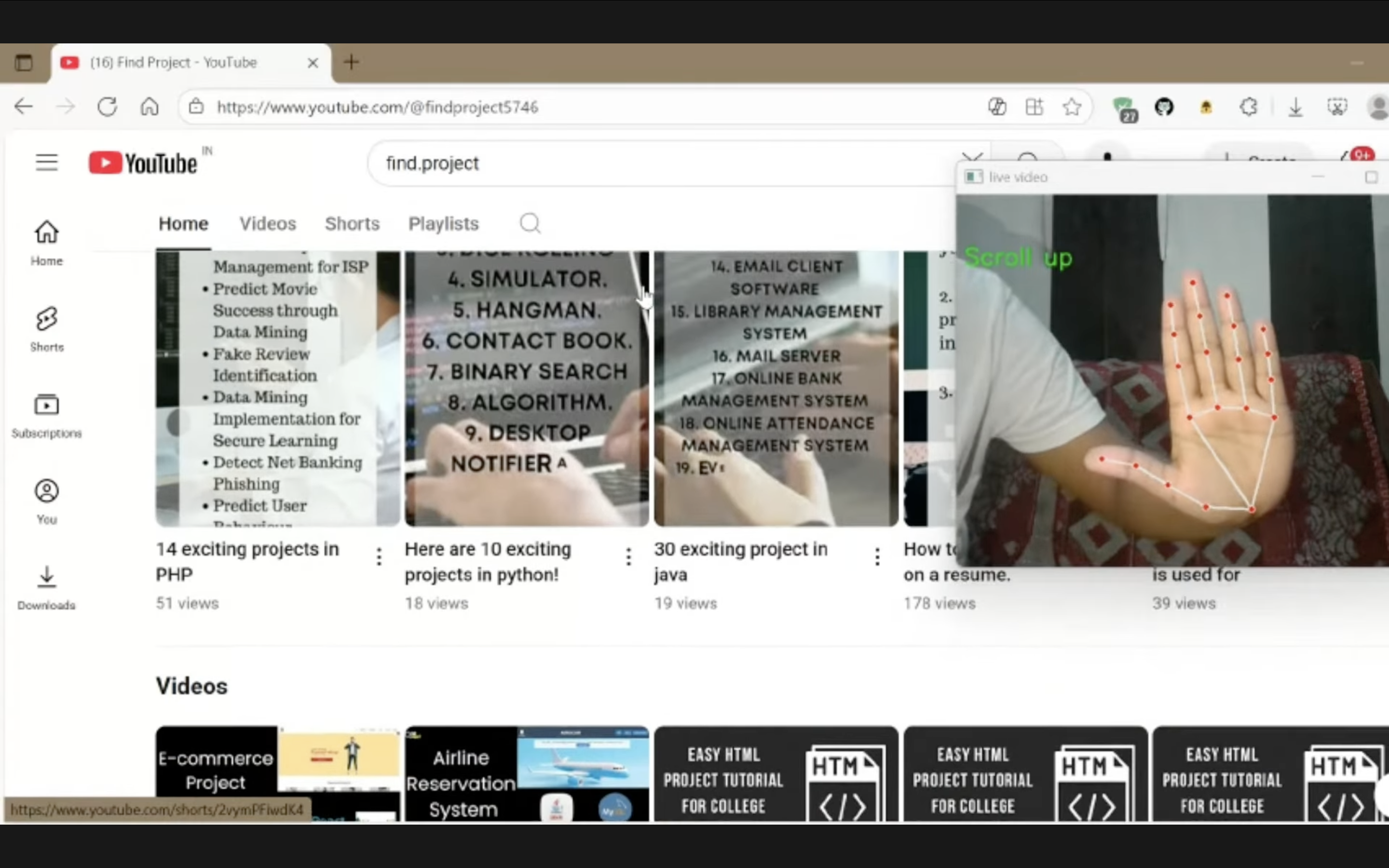
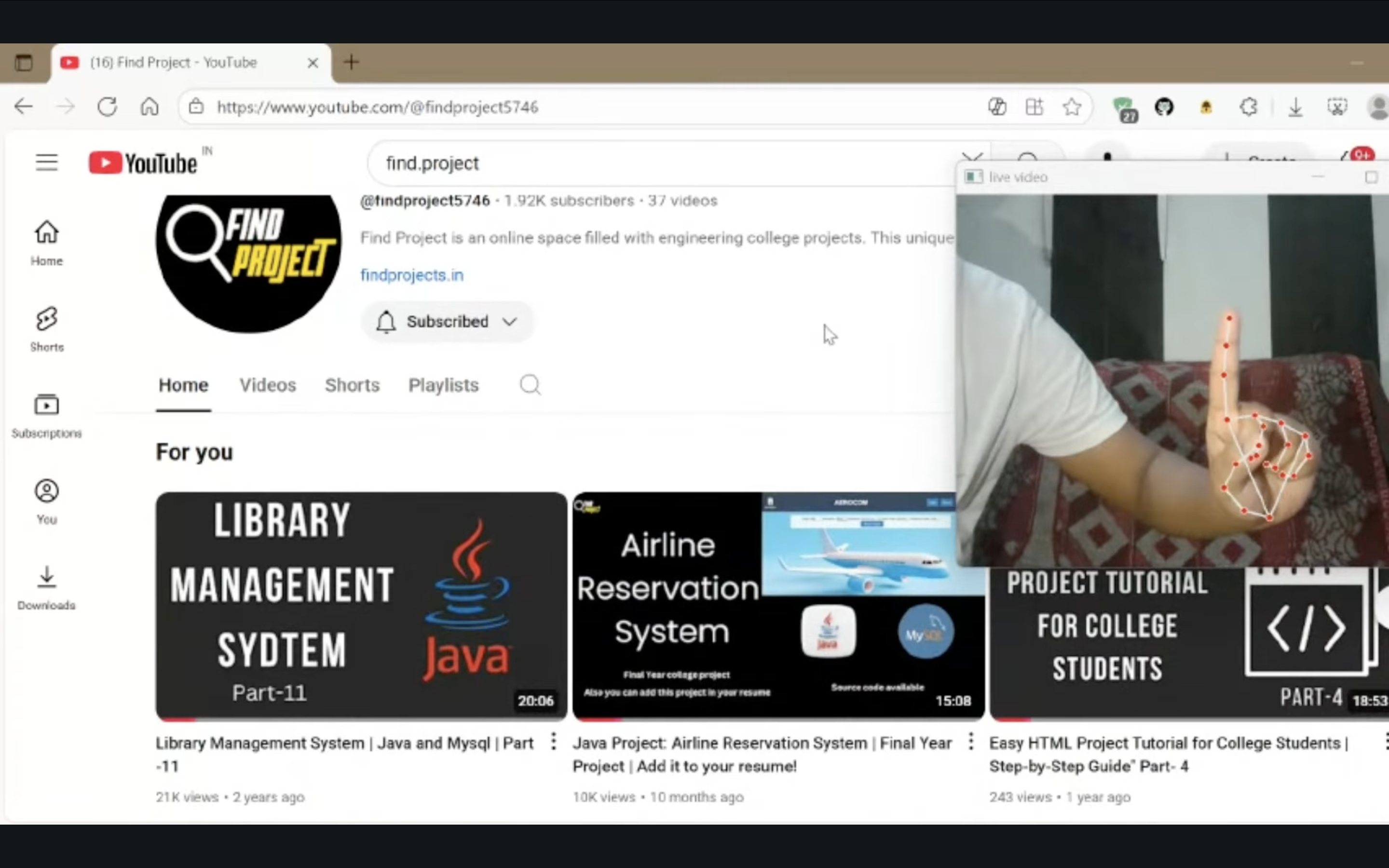
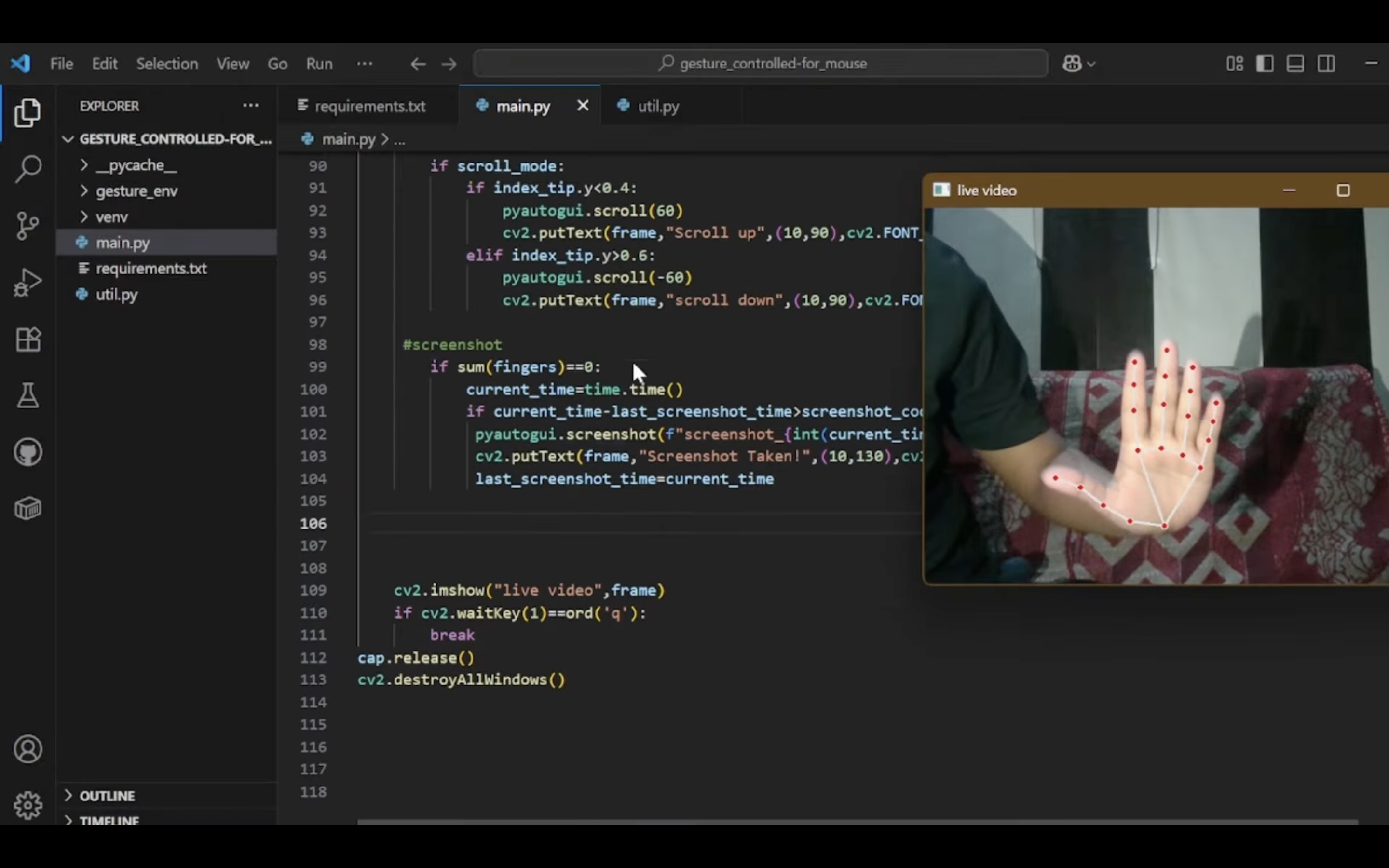
Screenshots